05 Jun 2015
You might or might not remember how I publish this blog with Github. But I wrote a post about this.
Since I migrated my hosting to a VPS I changed a few things.
The important bits that changed are, the way things get logged. Now I use tee which has the side effect that
the output is on my logfiles and get printed to stdout which you can see then on you php update page (this helps to debug the build process).
The other thing that changed is that on FreeBSD jekyll is installed in /usr/local/bin, which is not in the default path. This
resulted in a blog which get no updates, because the jekyll binary is missing. That's why I added /usr/local/bin to the path, to fix this.
$ cat update.php
<?php
	$output = shell_exec('./update.sh');
	echo "<pre>$output</pre>";
?>
$ cat update.sh
#!/bin/sh
export PATH=$PATH:/usr/local/bin

#the logfile
datestr=$(date +%Y%m%d_%H%M%S)
LOGFILE=/usr/local/www/update_log/log_$datestr

#cd to your git repo
cd /usr/local/www/blog_git_src

#update ALL TEH SOURCE
echo git | tee -a $LOGFILE
git version | tee -a $LOGFILE
git pull origin master | tee -a $LOGFILE

#build page
echo jekyll | tee -a $LOGFILE
jekyll build -d /usr/local/www/blog | tee -a $LOGFILE
04 Jun 2015
I use permalink: pretty which create for each post a folder with a index.html.
This creates nice urls like this /2015/04/22/htaccess-proxy. But last time I cheked my
error logs I saw a few peoples who tried urls like this: /2015/04/22/htaccess-proxy.html.
So I thought why not redirect this urls. Of course I'm not the first person with this problem,
I found two blog post on which I based my solution.
My solution:
server {
        listen       80;
        server_name  l33tsource.com www.l33tsource.com;

        rewrite ^/index.html$ / redirect;
        rewrite ^(/.+)/index.html$ $1 redirect;

        if ($request_uri ~* ".html") {
            rewrite (?i)^(.*)/(.*)\.html $1/$2 redirect;
        }

        location / {
            rewrite ^/(.*) /$1 break;
            proxy_pass http://blog;
        }
}
If you have any problems or find broken urls, just write me.
###Update
For some weird reason all these redirection foo doesn't work when the blog upstream not on port 80 is.
22 Apr 2015
Lets say you have a web application bound to localhost.
For example your ruby or python web project. The next logic step is to install
nginx and setup a reverse proxy. If that's not an option and you need to use Apache
and can not edit the Apache settings. There is a solution which I used for some time:
This assumes that your application run at port 886688.
RewriteEngine On
RewriteRule ^(.*) http://localhost:886688/$1 [P]
Probably not the best and cleanest solution but works for me!
02 Apr 2015
I try to avoid PHP software when ever possible. But sometimes the best tool for the job is written in PHP.
One of these tools is observium which is a network monitoring platform.
And I can really recommend it. But sadly it's written in PHP. That is why I accidentally start debugging PHP code one evening.
But first things first. I want to add my RaspberryPi, which is my primary DNS server, to observium.
I click on add device fill out the snmp infos and woops "Could not resolve $host".
My first thought was well I forgot something, after I double checked everything it was still not working.
This was the point where I was annoyed enough to debug PHP code.
After poking around in the source code I found this:
dns_get_record($host, DNS_A + DNS_AAAA)
This was my first WTF moment, I mean seriously DNS_A + DNS_AAAA what should that do.
A grep later with no result, it was clear that it must be a function of PHP.
And look: it's in the manual.
Turns out the way they implement it, allows to do addition and subtraction with these constants since there are internally bit masks or something.
Which is a smart idea but of course you don't find this in the manual, it's only in a user comment below.
Anyway the manual states what dns_get_record should return:
This function returns an array of associative arrays, or FALSE on failure.
Doesn't sound entirely wrong. A empty array on a failure might come in handy, why I show you in a second.
var_dump(dns_get_record($host, DNS_A));


array(1) {
  [0]=>
  array(5) {
    ["host"]=>
    string(14) "host.name.tdl"
    ["class"]=>
    string(2) "IN"
    ["ttl"]=>
    int(0)
    ["type"]=>
    string(1) "A"
    ["ip"]=>
    string(12) "192.168.17.2"
  }
}
Like in the manual described a array is returned.
var_dump(dns_get_record($host, DNS_AAAA));

PHP Warning:  dns_get_record(): DNS Query failed in file.php on line 4
bool(false)
Like in the manual described it returns FALSE if the is no AAAA record found.
I guess at this point you can assume what happens when you combine these two requests.
var_dump(dns_get_record($host, DNS_A + DNS_AAAA));

PHP Warning:  dns_get_record(): DNS Query failed in file.php on line 4
bool(false)
It returns only FALSE in this case, even if there is a A record for this domain.
And the moral of this story
Deploy IPv6 everywhere to prevent this!
Or maybe don't build software based on PHP.
I personally recommend both things.
If you are a observium pro user it's fixed, according the mailing list in revision 6357 and
for everyone else with the next half yearly release.
28 Feb 2015
Since no one bought my N54L NAS I need to do something with it. So my first guess was a remote backup, and thats exactly
what I did.
So thats why I visited @ronyspitzer this weekend (well some weekend in the past (ages ago), since I failed to finish this). So I grab my hardware and thats how it looks:
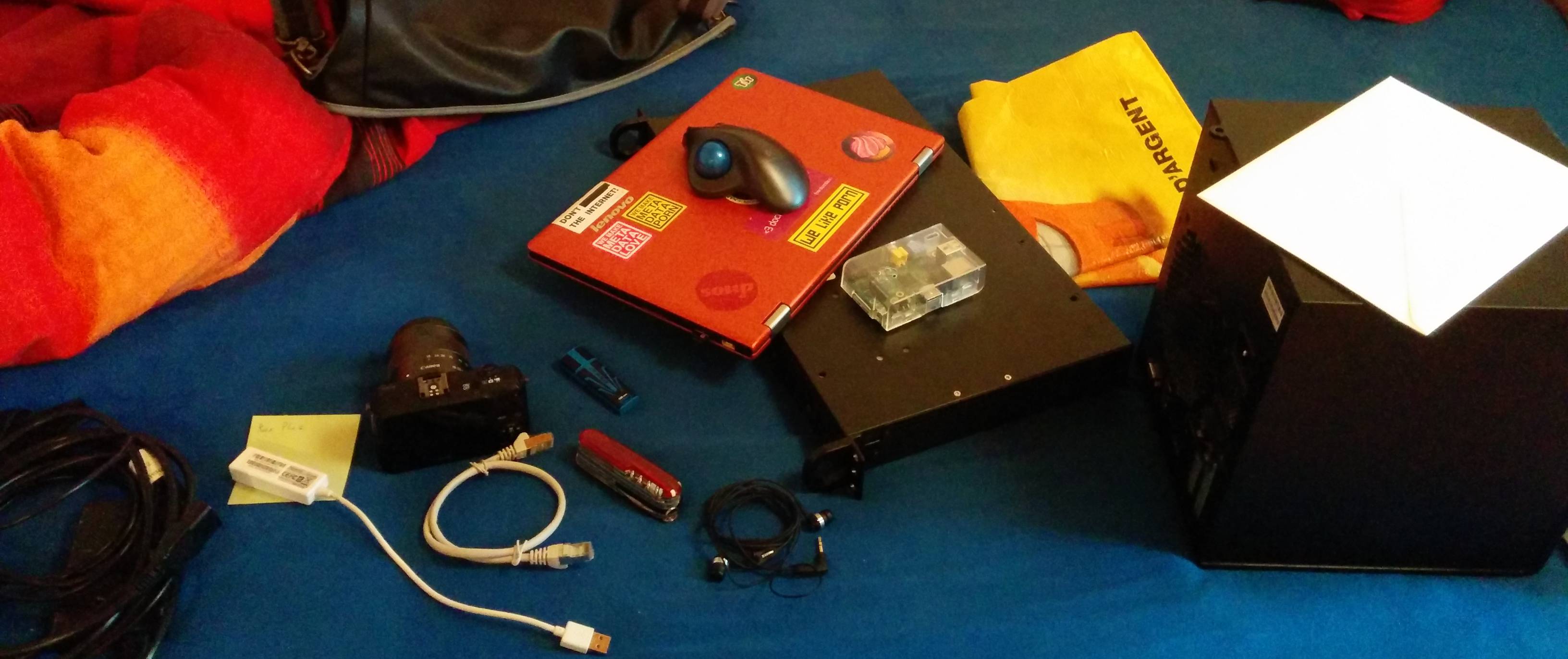
Maybe I should do finally my driving licence, or stop transporting so much stuff from A to B.
But lets talk about the setup. The N54L is loaded with 3 x 2TB drives and 1 TB for the system. So the first step was to install FreeBSD with root on zfs which is really easy with the FreeBSD 10 installer. With the other drives I build a raidz.
zpool create -O utf8only=on -O normalization=formD -O casesensitivity=mixed -O aclinherit=passthrough tank raidz ada0 ada1 ada2
This is basically the same setup like my Dell T20. And a very usefull hint for me was the sysctl for geom debugflags, becaue I used disks with old partition tables on it and I got allways a error like "Device Busy" so you can force to create a
zfs volume anyway with sysctl kern.geom.debugflags=16.
With the pool in place, I enable ssh on my NAS with a passwordless key login.
Maybe I write a blog post about that to. (Probably not, but you can find how that is done on teh interwebz)
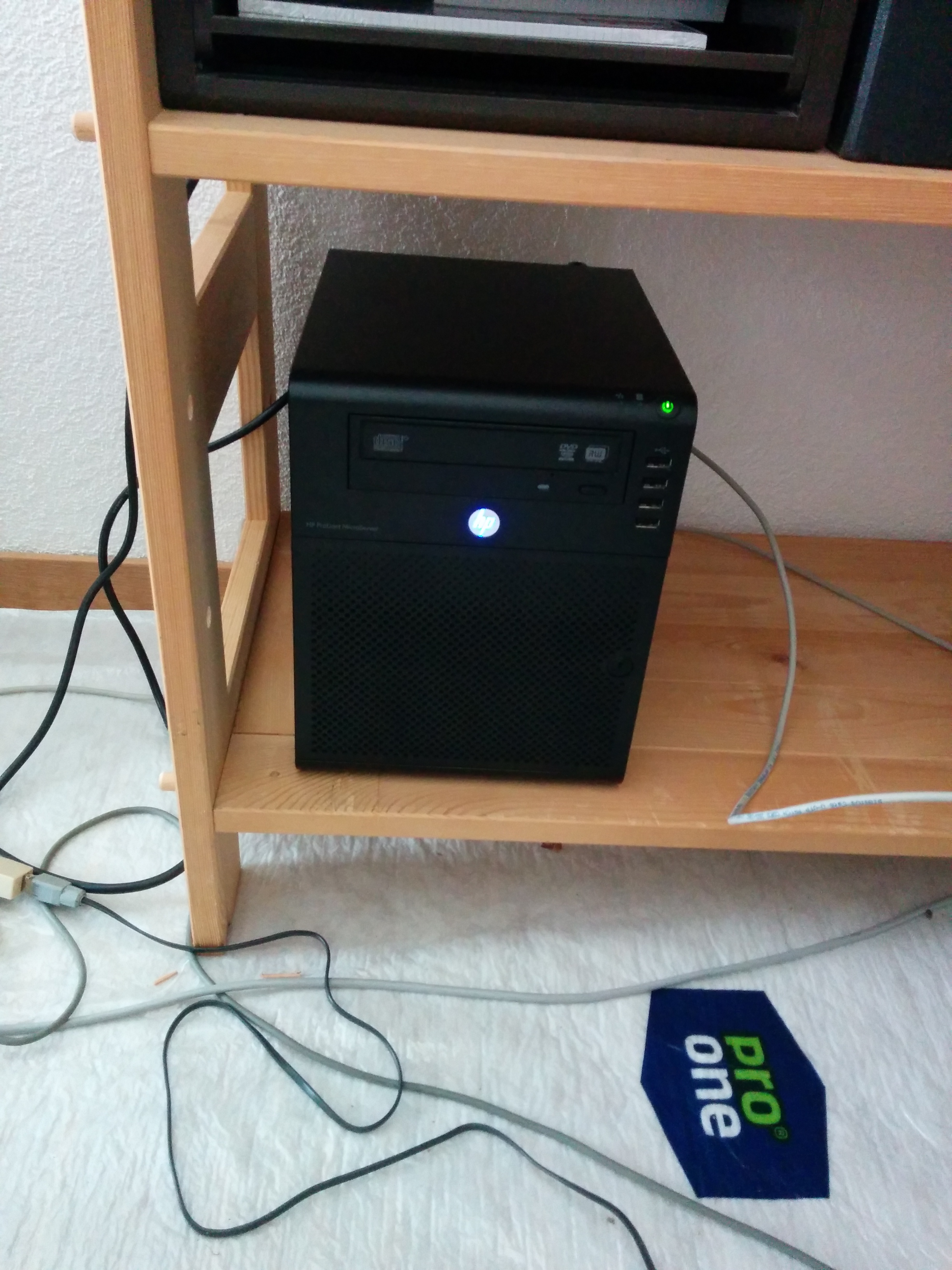
After all this is done, I can finally use my 'master' backup scripts. Well you probably don't have a user to receive. But ZFS is nice so there is a nice way for this:
sudo zfs allow -u l33tname create,receive,mount,userprop,destroy,send,hold,compression,aclinherit tank
This allow everything which is necessary to receive snapshots on tank. You can check your config with zfs allow tank.
Because you probably won't send everytime the entire dataset you can use the incremental script. That's what I do.
Every night with cron.
30 2 * * * /root/backup/backup_incremental >> /root/backup/backup.log
The only thing what I can thought off is missing in my scripts is the case when you run a backup while a backup process is still running.
I will probably fix this for the future version.
Actually I did this before I blog about it.